I have a Zivver account
User manuals and reference documentation
View a securely sent message
Messages sent via the Zivver DLP gateway can be viewed in the Zivver WebApp. Log in to the Zivver WebApp using the following steps:
- Go to the WebApp.
- Enter your email address.
- Enter your password.
- Enter the second-factor authentication.
 TipDon’t want to enter the second-factor authentication every time? Select the Skip this step next time option.
 Note
NoteYou may be able to log in using your workplace credentials. After entering your email address, you will be redirected to your organization’s login page.
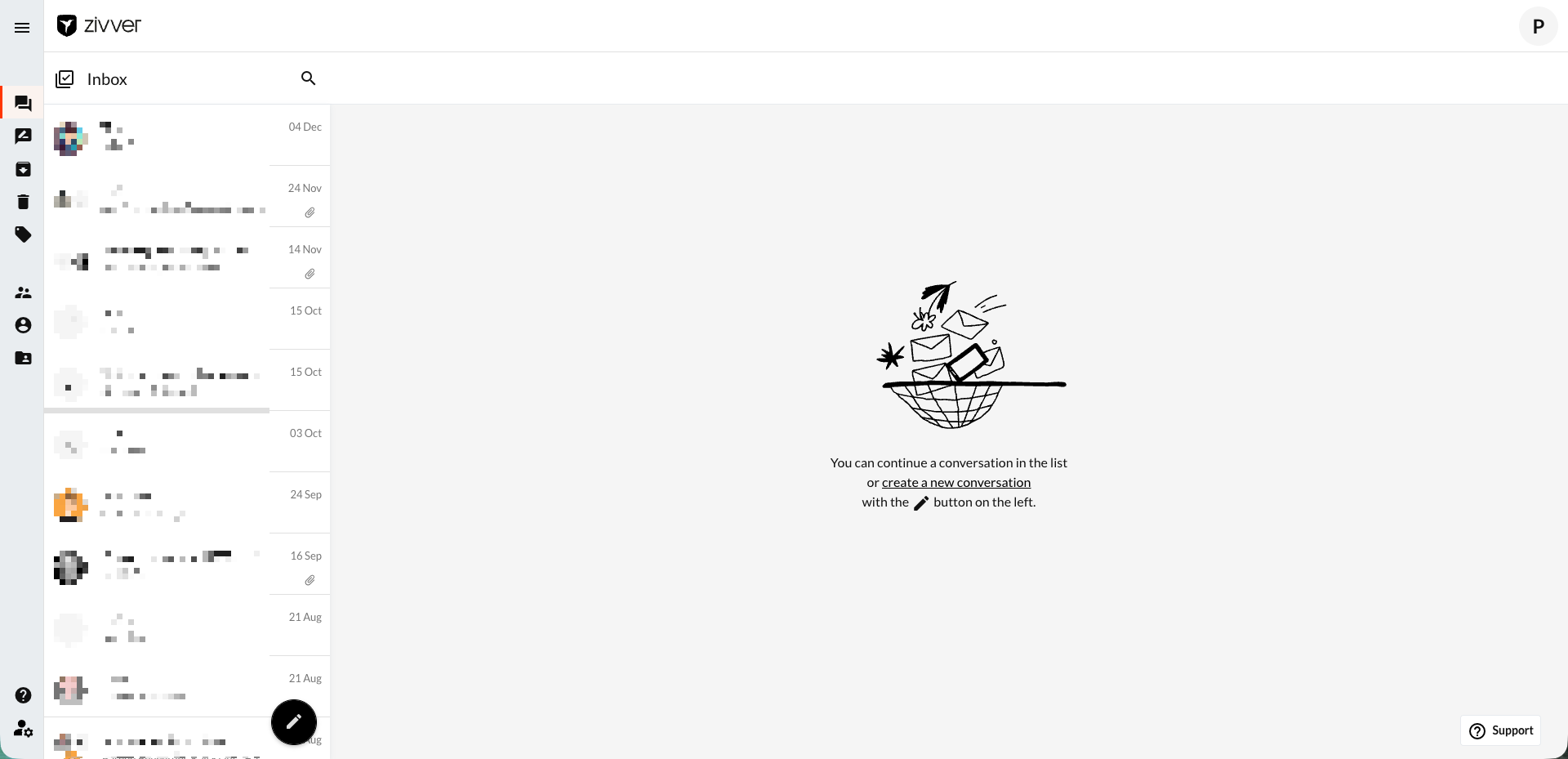
You are now logged in to the Zivver WebApp and ready to read and send secure messages.
After logging in, you will automatically be taken to the Inbox. Here you can find all received and sent Zivver messages.