I have a Zivver account
User manuals and reference documentation
Complete User Profile
Introduction
How can you complete your account in the Zivver WebApp? After creating your account, some details like your name and profile picture are still missing. By adding this information, recipients of your messages can easily recognize you.
Completing my profile
- Log in to the WebApp.
- Click
 My profile.
 - Fill in your details.
- Click .
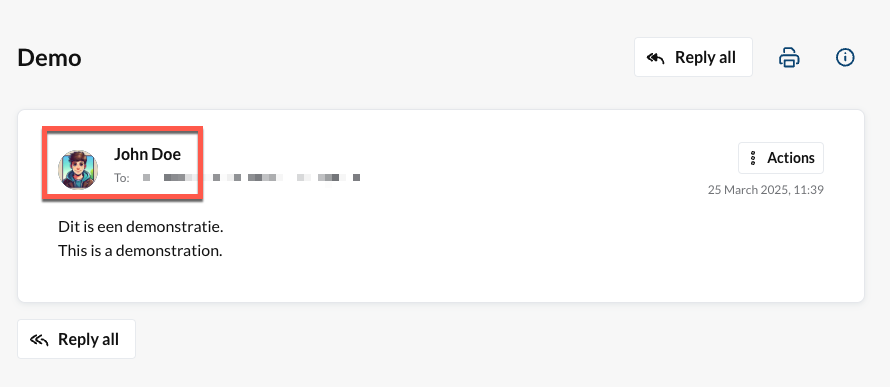
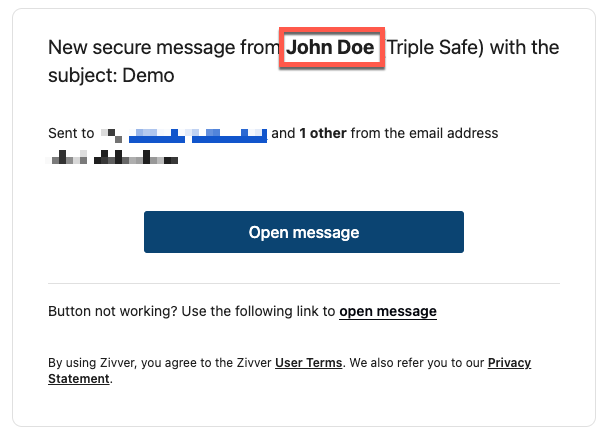
Where will this information be shown?
When you send a secure email, a notification message is sent to the recipient, informing them about the secure message. This notification message contains the name you entered in your Profile.
The recipient will also see your name and your profile picture within the secure conversation in the Zivver WebApp.